

Prepare your FSA ID first
Before you open the FAFSA form, you must create an FSA ID. This is the only way to log in to Federal Student Aid websites and to sign your application electronically. Without a valid FSA ID, you cannot submit your FAFSA, and your application will remain incomplete.
The FSA ID serves as your legal electronic signature. It is required for you, your parents (if you are a dependent student), and your spouse to sign the form. If you do not have an FSA ID, you cannot proceed to the actual data entry portion of the guide.
To set up your account, visit fsaid.ed.gov. You will need a valid email address and a phone number that you check regularly. The system will verify your identity using your Social Security number and personal details. Do not attempt to create this account on the same day you intend to file your FAFSA.
Gather Financial Documents
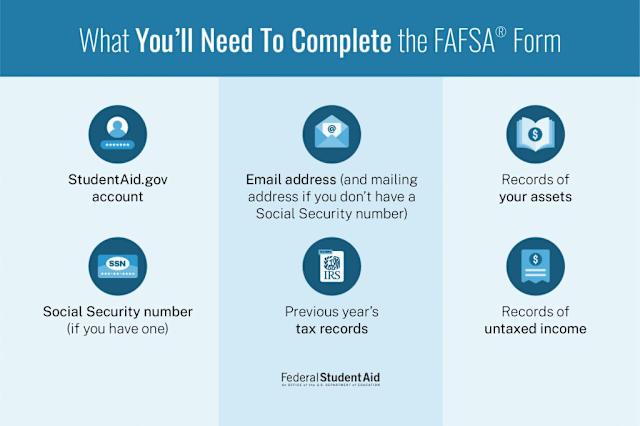
You cannot complete the 2026-27 FAFSA without specific financial records. The form now pulls data directly from the IRS, but you still need to verify the information and provide additional context for certain accounts. Having these documents organized before you start prevents the process from stalling mid-application.
Start by locating your most recent federal tax return. For most students and parents, this means the 2024 Form 1040. If you did not file a tax return, you will need to prepare a statement of income or use the IRS Data Retrieval Tool (DRT) if eligible. The DRT allows you to import tax data directly into the FAFSA, which is the fastest and most accurate method available.
Next, gather records of untaxed income. This includes child support received, veteran non-education benefits, and worker’s compensation. You will also need to list the cash, savings, and checking account balances as they stood on the day you submit the FAFSA. Do not include retirement accounts like 401(k)s or IRAs, as these are not reported on the form.
Keep a printed or digital copy of all these documents nearby. You will need to reference them while entering data into the online portal. If you encounter discrepancies between your records and the IRS data, you can manually enter the correct figures, but be prepared to provide documentation if the Department of Education selects your application for verification.
Complete the student section
The student portion of the 2026 FAFSA is the first part of the form you will complete. This section collects your personal identity details and academic background. The data here helps the Department of Education verify who you are and determine your eligibility for federal student aid.
You will need your Social Security number, date of birth, and citizenship status ready. If you are not a U.S. citizen, you must have an eligible noncitizen status or an Alien Registration Number. The form also asks for your high school graduation date or equivalent credential, such as a GED certificate.
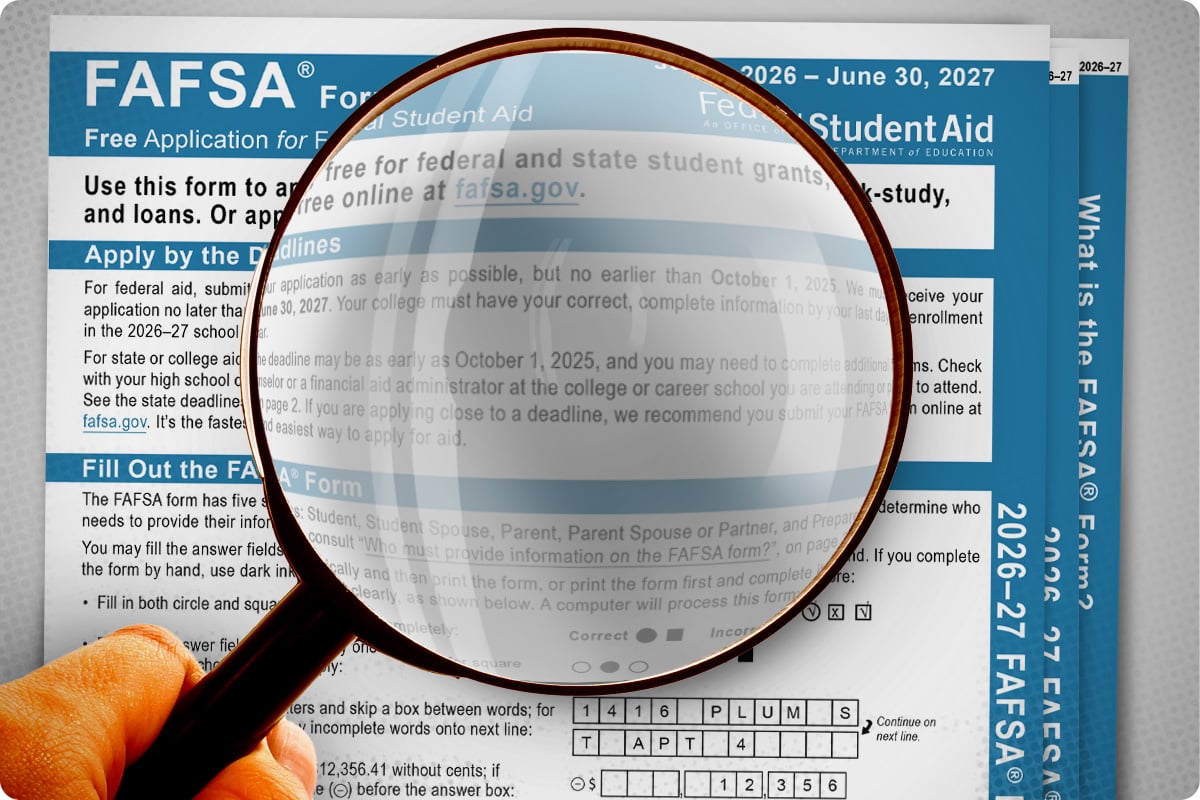
Begin by entering your full legal name exactly as it appears on your government-issued ID. Input your Social Security Number (SSN). If you do not have an SSN, you must provide your Alien Registration Number. Double-check these entries, as errors here can delay your aid processing or cause identity verification failures.
Next, fill in your date of birth, sex, and marital status. Marital status is critical for aid calculation; if you are married, you must include your spouse’s information. Enter your current mailing address and email address. Use a reliable email address, as the Federal Student Aid office will use it to send your FSA ID confirmation and other important notifications.
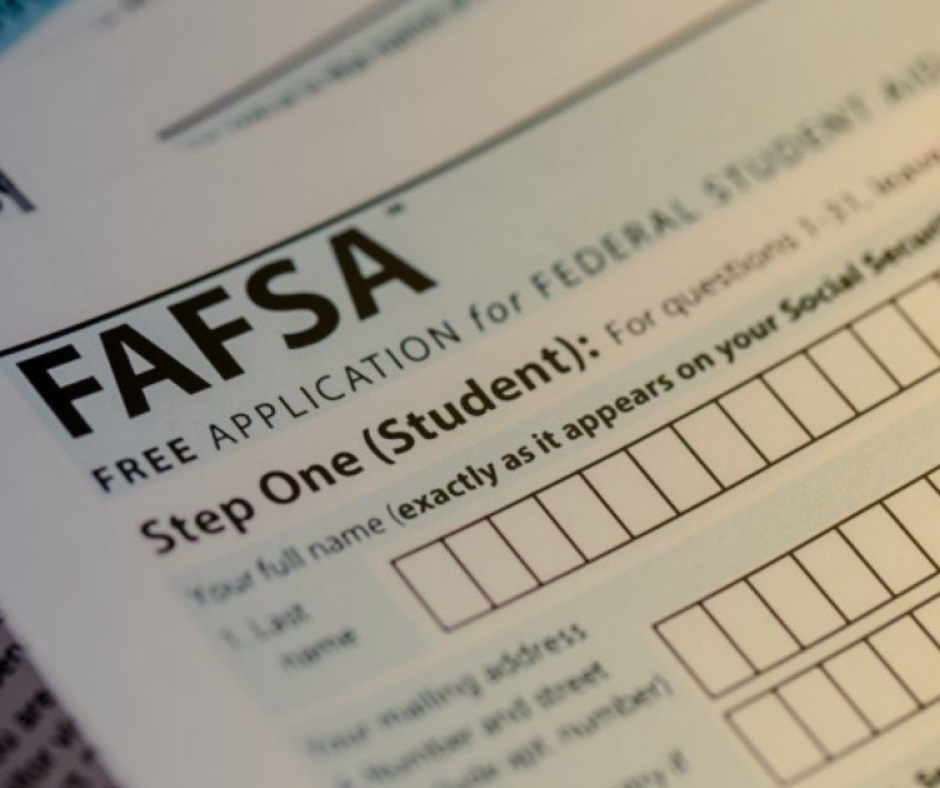
Indicate the academic year you are enrolling in and your intended degree or certificate program. Specify whether you are a freshman, sophomore, or graduate student. This information helps determine your dependency status and the maximum amount of aid you can receive. Ensure your major selection matches your intended field of study.
Answer questions about your high school education. You must confirm that you have completed high school with a diploma or a recognized equivalent, such as a GED. If you are still in high school, you may need to provide your school’s Federal School Code. Failure to provide this information can make you ineligible for federal aid.
Before moving to the parent section, review all entered information for accuracy. The FAFSA allows you to save your progress and return later, but it is best to complete the student section in one sitting to avoid losing data. Once satisfied, click "Next" to proceed to the parent or spouse information section.
Completing this section accurately is the foundation of your FAFSA application. Any mistakes in your personal or academic details can lead to delays or incorrect aid awards. Take your time to ensure every field is filled correctly before moving forward.
Enter financial data accurately
The financial section of the 2026 FAFSA guide is where many applicants make costly errors. Because this data directly determines your Expected Family Contribution (EFC) and loan eligibility, precision matters more than speed. The system pulls data from IRS records, but you must ensure the numbers you enter match your actual tax returns exactly.
Match tax returns exactly
Do not estimate your income or assets. If the FAFSA form allows direct data import from the IRS, use that tool to minimize typing errors. If you must enter figures manually, open your tax return next to the form. Enter the exact amounts for wages, interest, and business income. Even a small discrepancy can flag your application for verification, delaying your aid offer.
Include all taxable income
The FAFSA asks for "taxable income," which is different from your gross income. This includes wages, salaries, tips, business income, and capital gains. Exclude untaxed sources like child support, welfare benefits, or tax-exempt interest from this specific field. Entering untaxed income here will inflate your EFC and reduce your aid eligibility.
Report assets correctly
Assets include checking and savings accounts, investments, and business equity. Do not include the value of your primary home or retirement accounts (like 401(k)s or IRAs) in this section. These are excluded by federal rules. Including retirement savings as a liquid asset is a common mistake that can significantly lower your financial aid package.
Review before submission
Take time to review every number before clicking submit. The Federal Student Aid website offers a "Review" button that highlights missing or inconsistent data. Double-check the Social Security numbers for both the student and parents. An error here can cause the entire application to be rejected or matched incorrectly.
Review and sign the FAFSA form
Before submitting, take time to verify every entry. The FAFSA form requires both the student and any dependent parents to review and sign electronically using their FSA IDs. This digital signature serves as a legal declaration that the information provided is accurate and complete.
Final verification steps
- Review all sections: Go through each part of the form to ensure personal, financial, and school data matches your records. Pay special attention to tax information and asset values.
- Check for errors: Look for missing fields or formatting issues. The system will highlight required fields, but manual review catches subtle mistakes.
- Confirm school codes: Verify that the correct Federal School Codes are listed for every college you are applying to. Incorrect codes can delay your financial aid offer.
Digital signature process
Both the student and parent (if applicable) must sign separately. Log in to their respective FSA ID accounts to access the signature page. The student signs first, followed by the parent. If the parent cannot sign online, they may print, sign, and mail the signature page, though this delays processing.
Once signed, the FAFSA form is submitted. You will receive a confirmation email with your Student Aid Index (SAI) and submission date. Keep this for your records.
Check your Student Aid Report
FAFSA works best as a clear sequence: define the constraint, compare the realistic options, test the tradeoff, and choose the path with the fewest hidden costs. That order keeps the advice usable instead of decorative. After each step, pause long enough to check whether the recommendation still fits the reader's actual situation. If it depends on perfect timing, unusual access, or a best-case budget, include a simpler fallback.
The simplest way to use this section is to write down the real constraint first, compare each option against it, and choose the path that still works outside ideal conditions.
Common FAFSA mistakes to avoid
Even small errors on the FAFSA can delay your financial aid or reduce your loan offers. The form is strict about data matching, so precision matters more than speed. Here are the most frequent pitfalls and how to fix them before you submit.
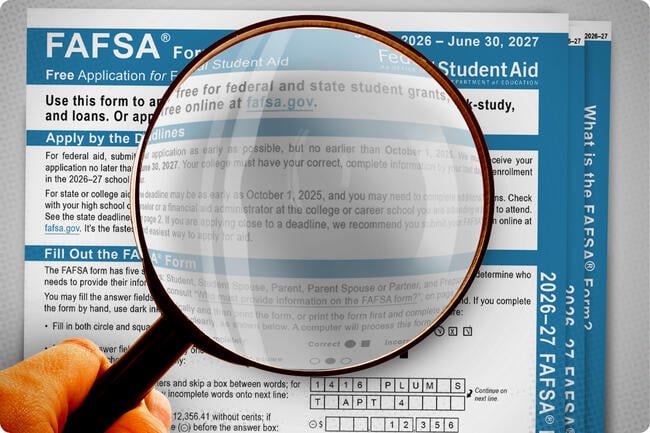
Using the wrong tax year is the #1 error. For the 2026–27 FAFSA, you must report income from the 2024 tax year. Using 2025 data will cause mismatches with IRS records and trigger verification delays. Always double-check the "Prior-Prior Year" requirement on the first page.
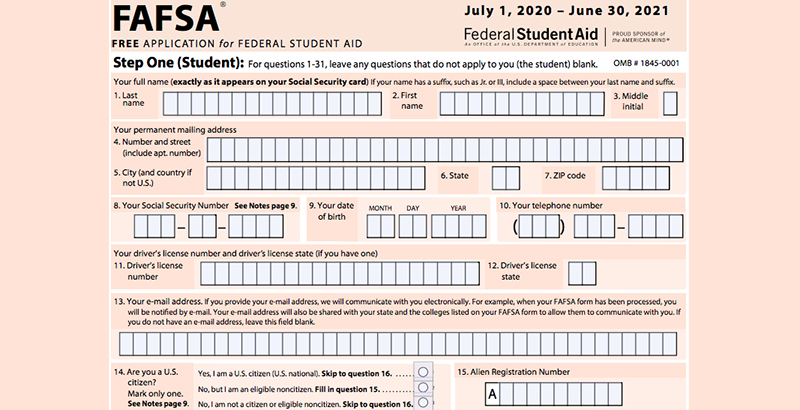
Your Social Security Number and legal name must match your Social Security Administration records exactly. Typos here can prevent the system from linking your application to your federal aid eligibility. If you have a name change, update your SSA profile before starting the FAFSA.

Incorrectly marking yourself as independent when you are actually dependent will result in an incomplete application. The FAFSA uses specific criteria (age, marital status, military service) to determine this. If you are unsure, use the Dependency Status Assistant tool on StudentAid.gov to confirm your status.
FAFSA Guide Checklist
Before you submit your application, use this checklist to ensure every step of the FAFSA guide process is complete. Missing a single item can delay your financial aid package.
-
Create your FSA ID. Both the student and a parent contributor need separate accounts to sign the form.
-
Gather financial documents. Have tax returns, W-2s, and bank statements ready for the 2025 tax year.
-
List schools. You can add up to 20 colleges or universities to receive your data automatically.
-
Review and sign. Verify all entries for accuracy before applying your digital signature.
-
Check your SAR. Wait 3–5 days for the Student Aid Report to confirm your submission.
No comments yet. Be the first to share your thoughts!