

Prepare your FSA ID
Start here. Before you open the 2026-27 FAFSA form, you need an FSA ID. This ID acts as your legal electronic signature. It is also how parents and students log in to view and edit their applications.
Do not wait until the day you plan to submit. The Federal Student Aid website requires a waiting period to verify your identity. This process can take up to three days. If you skip this step, you will hit a hard wall when you try to start the form.
Navigate to fsaid.ed.gov. Click "Create an Account." You will need a valid email address and a social security number (for U.S. citizens or eligible noncitizens).
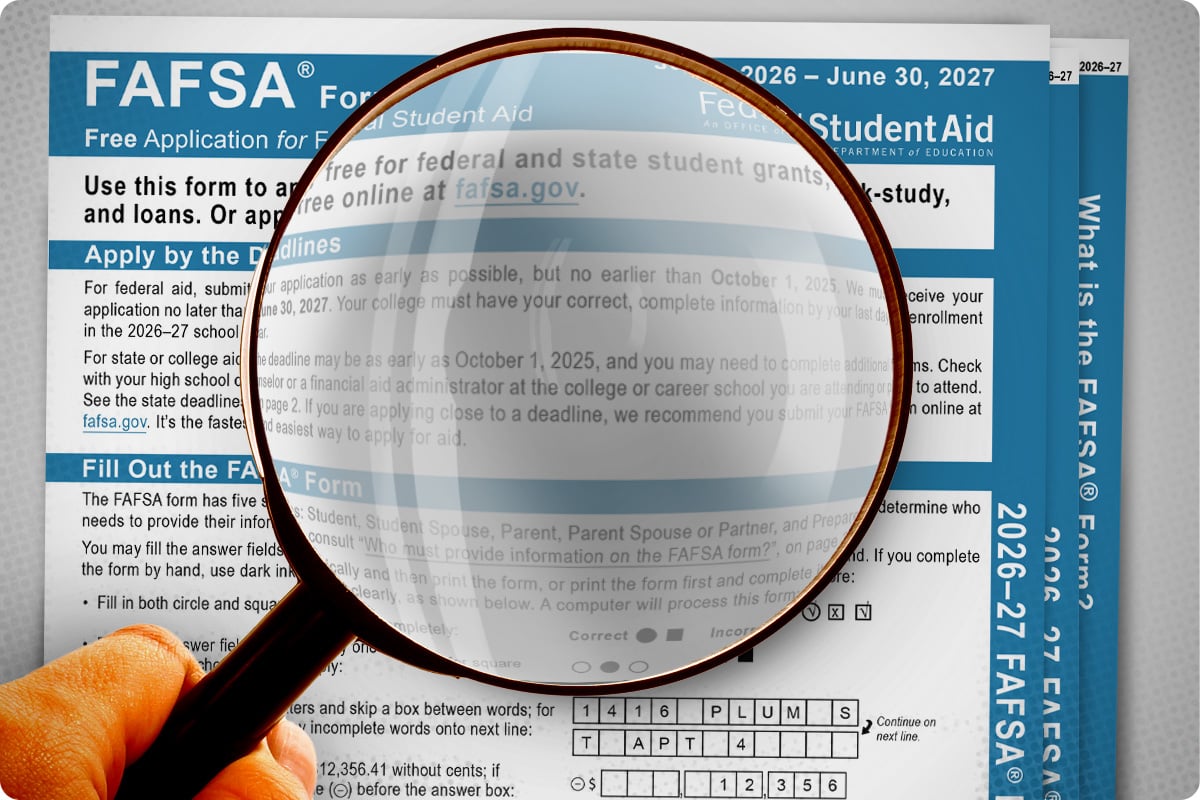
The system will ask for personal details to confirm who you are. Have your driver's license or passport number ready. If you do not have these, you may need to provide alternative documentation.
Choose three security questions. Pick answers that only you know. You will need these if you forget your password later. Store your answers in a secure password manager.
Check your email for a confirmation link. Click it to activate your ID. Once active, you can log in to fafsa.gov. You are now ready to begin the application.
Both the student and any contributing parents must have their own FSA ID. Do not share accounts. Each person signs their own section of the form. If a parent does not have an ID, they must create one before the student can submit anything.
Gather tax and financial documents
Collect every required record before you open the FAFSA® form. Having everything ready prevents you from losing your progress or missing critical deadlines.
Start with the most important papers: tax returns and bank statements. For the 2026-27 cycle, you will use 2024 tax data. Gather your most recent federal income tax return, including all W-2 forms. If you did not file taxes, you will need a statement of income or earnings. You also need current bank statements and records of untaxed income, such as child support or veteran benefits.
Prepare your personal identification details. You will need your Social Security number or Alien Registration Number. Have your driver’s license or state ID ready. If you own a business or farm, bring records of your current business and farm assets.
Organize these documents in one folder. This simple step keeps the application process smooth and helps you finish the form without interruptions.
Enter student details and dependency status
Start by opening your FAFSA form for the 2026-27 award year. The first section asks for your personal identity. Enter your legal name exactly as it appears on your Social Security card. If you have a legal name change, update your Social Security record before starting. This ensures your federal aid matches your identity documents.
Next, provide your Social Security number and date of birth. Enter your email address carefully. You will use this email to log in and receive status updates. If you have an APL ID (Access PIN), enter it here. If you do not have one, you can create a new FSA ID during the process.
The form then asks about your dependency status. This determines if you must include your parents’ financial information. Answer the questions honestly. For 2026-27, the system may automatically pull some data from the IRS if you consent. If the form flags you as independent, skip the parent sections entirely.
Finally, list the colleges you want to receive your FAFSA data. You can search by school name or enter the federal school code. You can add up to 20 schools initially. You can add more later before the submission deadline. Double-check the codes to ensure your aid reaches the right places.
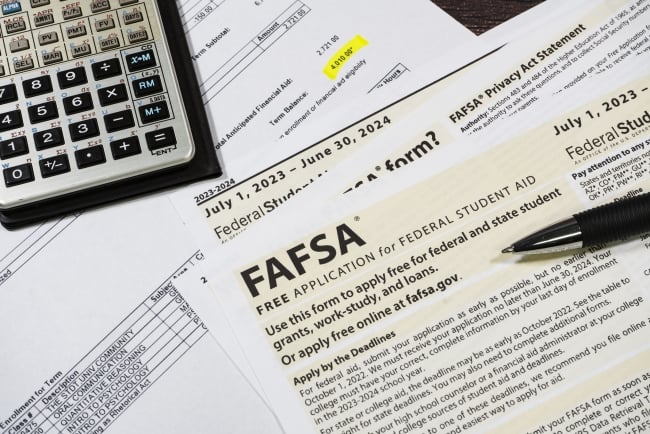
Type your legal name, Social Security number, and date of birth. Verify the spelling matches your government ID. Create your FSA ID if you haven’t already.
Respond to the dependency status questions. These determine if you need to report parent income. The answers are based on your age, marital status, and military service.
Search for and add up to 20 colleges to your list. Enter the correct federal school codes. You can update this list later if you apply to more schools.
Enter financial data and signatures
You have gathered the necessary records. Now, move into the financial sections of the FAFSA® form. This part requires precision. The federal government uses these numbers to calculate your Expected Family Contribution (EFC). An error here can delay your aid or reduce your award amount.
For the 2026-27 cycle, the form relies on data pulled directly from the IRS via the Data Retrieval Tool (DRT). Use this tool whenever possible. It transfers tax information automatically, reducing the chance of manual entry mistakes. If the DRT is unavailable or you choose not to use it, enter the figures from your tax return exactly as they appear.
Input income and asset details
Start with the student’s financial information. Enter gross income, untaxed income, and asset balances. If you are a dependent student, you must also enter your parents’ financial data. The form will clearly label which sections require parental input.
Do not estimate numbers. Use the exact amounts from your tax transcripts or W-2 forms. If you have multiple income sources, add them together before entering the total. Keep your tax documents open on a separate screen or printed out to verify each entry as you type.
Apply digital signatures
Once all financial fields are complete, review the entire form for accuracy. Look for missing zeros, transposed digits, or incorrect account numbers. After you confirm the data is correct, proceed to the signature section.
Both the student and the parent (if dependent) must sign the form digitally. The signature acts as a legal declaration that all information provided is true and correct. Without these signatures, your FAFSA® is incomplete and will not be processed. Ensure both parties are present or have access to their FSA IDs to sign promptly.
Navigate to the financial sections of the form. The dashboard will highlight incomplete sections. Click into the income and asset fields to begin.
Select the option to import tax data from the IRS. Follow the prompts to link your IRS account. This auto-fills most income fields and reduces manual errors.
If the DRT is unavailable, enter numbers from your tax transcripts. Match every line item on the FAFSA® to the corresponding line on your tax return. Double-check for typos.
Review the summary page. Both the student and parent must enter their FSA ID and password to apply digital signatures. This final step completes the submission.
Review and submit your FAFSA application
Before you hit submit, treat your application like a tax return. A single typo can delay your financial aid or reduce the amount you qualify for. The 2026-27 FAFSA form includes new prompts for certain contributors, so double-check that every required field is complete.
Check your answers
Scroll through each section of the form. Look for common errors like missing Social Security numbers, incorrect tax years, or incomplete parent information. If you see a red exclamation mark, fix the error immediately. Do not ignore warnings that say "information missing" or "inconsistent data."
Verify the signature page
You and your contributors must sign the form electronically. This step is mandatory for submission. If you skip the signature, the Department of Education will reject your application. Make sure you are logged into your FSA ID when you reach the final page.
Submit to the database
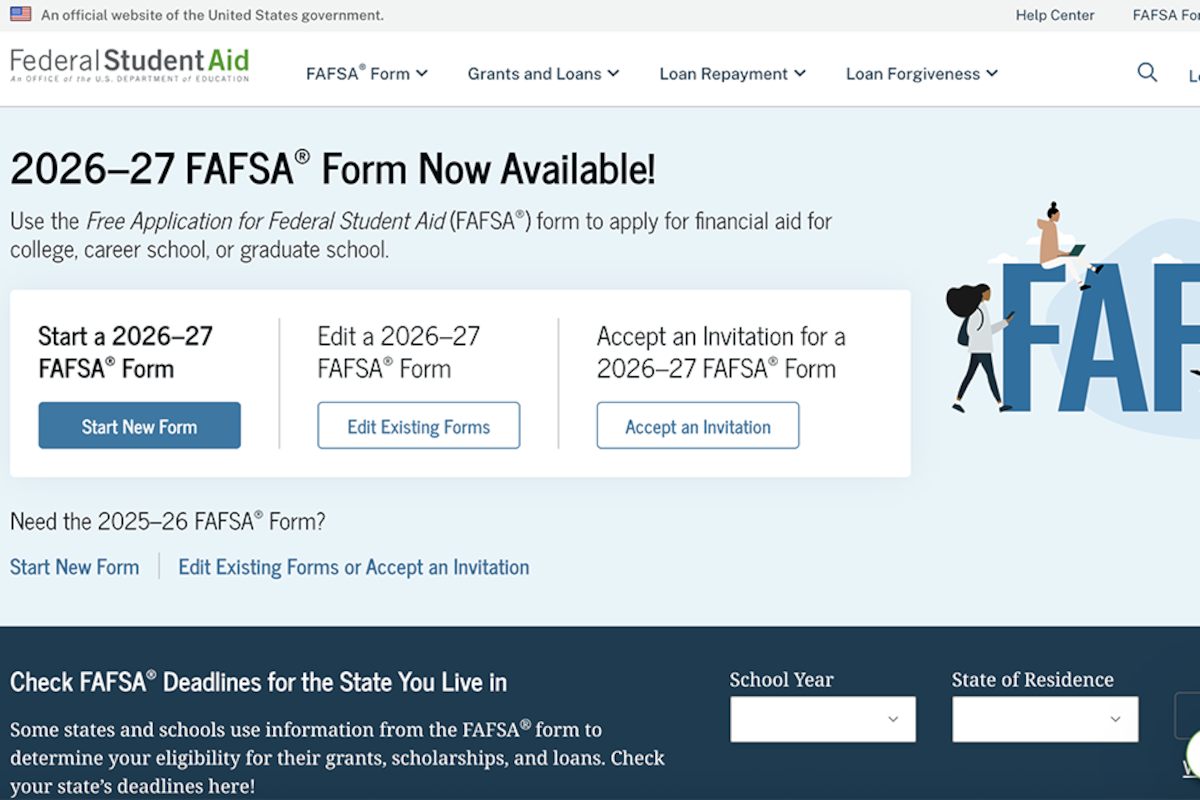
Click the "Submit FAFSA" button. You will receive a confirmation page and an email receipt. Save this confirmation. It includes your Submission Confirmation Number, which you will need to track your application status on StudentAid.gov.
Understand loan costs and aid offers
FAFSA works best as a clear sequence: define the constraint, compare the realistic options, test the tradeoff, and choose the path with the fewest hidden costs. That order keeps the advice usable instead of decorative. After each step, pause long enough to check whether the recommendation still fits the reader's actual situation. If it depends on perfect timing, unusual access, or a best-case budget, include a simpler fallback.
The simplest way to use this section is to write down the real constraint first, compare each option against it, and choose the path that still works outside ideal conditions.
Fix common FAFSA errors
Small mistakes can delay your aid or reduce your award. Check these areas before you submit.

Type your SSN exactly as it appears on your card. If you have an ITIN instead, use the ITIN. A single wrong digit sends the form to a review queue.
Students and parents must sign separately using their FSA IDs. The form stays in "Not Started" status until all signatures are recorded.
The 2026-27 FAFSA requires 2024 tax data. Do not use 2025 returns. If you use the IRS Data Retrieval Tool, it pulls the correct year automatically.
If you spot an error after submitting, log in to FAFSA.gov and select "Make Corrections." You can edit most fields, including income amounts and school codes. Changes may take three to five days to process.
Keep your FSA ID active. If your account is locked, you cannot sign or fix forms. Reset passwords early to avoid last-minute delays.
Check your status and gather documents
After you submit your FAFSA, the process does not stop. You need to track the application to ensure it reached the right places. The Student Aid Report (SAR) is your confirmation. It summarizes the information you provided and calculates your Student Aid Index (SAI).
Receive the SAR
You will receive your SAR within a few days if you filed online. If you filed a paper form, it may take three to five weeks. The SAR arrives via email or postal mail. Review it carefully. Check for errors in your name, Social Security number, and school codes. If you see mistakes, correct them on the FAFSA website before proceeding.
Verify school receipt
Colleges do not always receive your data automatically. Log in to each school’s financial aid portal to confirm they have your FAFSA. This step is critical because some schools have early priority deadlines for the 2026-27 aid year. If a school shows your status as "missing," contact their financial aid office immediately.
Prepare for next steps
Keep your SAR and any school correspondence in one folder. You may need to submit additional documents, such as tax transcripts, if the school requests verification. Stay alert for emails from the schools. They will eventually send you financial aid offers.
-
Check email for the Student Aid Report (SAR)
-
Review SAR for accuracy and correct errors
-
Log in to each school’s portal to verify receipt
-
Submit any requested verification documents promptly
No comments yet. Be the first to share your thoughts!