

Prepare your FSA ID first
An FSA ID is your legal digital signature for the FAFSA. You need it to sign the application and view financial aid data. Create this account at least three to five days before starting the form, as identity verification against federal databases can take up to three days.
Go to fsaid.ed.gov and select "Create an FSA ID." You will need a valid email address and a mobile phone number that you control. Enter your Social Security Number and date of birth exactly as they appear on your government-issued ID.
Complete the identity verification steps. You may be asked to answer security questions or provide additional documentation if the automated check fails. Keep your confirmation number safe.
Once verified, use your new FSA ID to log in to studentaid.gov. This same ID will be used to sign the FAFSA form electronically.
Gather tax and financial documents
Assemble your paperwork before logging in. The application requires precise financial figures, and guessing or leaving fields blank causes errors. For the 2026-27 cycle, you will need your most recent federal tax returns and those of your parents if you are a dependent student.

Gather W-2 forms, bank statements, and records of untaxed income, such as child support or interest. While the Direct Data Exchange (DDX) allows some schools to pull tax data directly from the IRS, keep your own copies as a backup. If you did not file taxes, prepare records of all income received, including wages and benefits. Organize these items in a single folder labeled with terms like "Adjusted Gross Income" to speed up data entry.
Complete the student information section
This section collects personal and demographic data used to verify your identity. Accuracy is critical; a single digit error in your Social Security number or a misspelled name can delay processing.
Enter your legal name exactly as it appears on your Social Security card. Do not use nicknames or titles unless they are part of your legal name. Enter your Social Security number without dashes. If you do not have an SSN, follow instructions for eligible non-citizens. Provide your current address, email, and phone number. Use an email you check regularly, as this is how schools communicate aid status. Confirm your citizenship status and high school completion method (diploma, GED, or homeschool). Double-check every field, entering "0" or "N/A" where applicable to avoid blank field errors.
Enter financial data and select schools
Inputting financial information calculates your eligibility for federal aid. You must also list the colleges you want to receive this data.
When you reach the financial section, look for the "Use the IRS Data Retrieval Tool" link. This feature pulls your tax data directly from the IRS into your FAFSA, which reduces errors and speeds up processing. If you are eligible, selecting this option is the fastest way to complete this part of the form.
If you cannot use the data retrieval tool, you will need to enter your financial information manually. Use your most recent tax return as your reference. Enter all numbers exactly as they appear on your tax forms, rounding to the nearest dollar. Do not use commas or decimal points in the numeric fields.
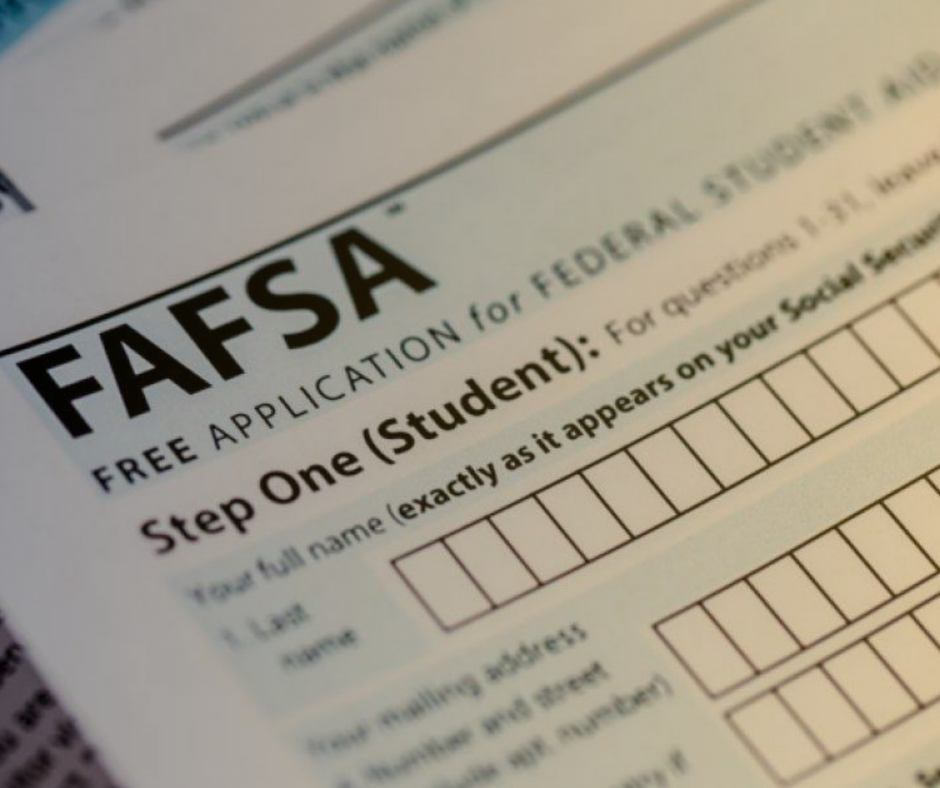
You must list at least ten schools on your FAFSA to ensure your application is processed correctly. Even if you have fewer than ten colleges in mind, you can add placeholder schools or your state’s university to meet this requirement. These schools will receive your financial data automatically.

Before submitting, review every section for accuracy. Common mistakes include leaving blank fields or using incorrect dates. Once you are confident in your entries, sign the form using your FSA ID. If you are a dependent student, one of your parents must also sign with their FSA ID.
After submission, you will receive a Student Aid Report (SAR) within a few days. This document shows your Expected Family Contribution (EFC). Check the SAR carefully to ensure all financial data was transferred correctly.
Avoid common FAFSA mistakes
Precision matters more than speed. A single error can delay aid or cause rejection. Treat the FAFSA like a tax form.
Leave No Fields Blank
Blank fields often trigger automatic rejections. If a question does not apply, enter a zero or "N/A" rather than skipping it. This signals to the system that you have actively considered the field.
Format Numbers Correctly
The form rejects commas and decimal points in numeric fields. Always round financial figures to the nearest whole dollar. Write "5000" instead of "5,000.00". This prevents data entry errors.
Check Your FSA ID
Ensure your FSA ID matches your Social Security number exactly. Typos can lock you out of the application. Create your ID at least three days before starting to allow time for verification.
Verify Parental Data
If you are a dependent student, your parents must sign the form. Ensure you have their consent and that their information is entered correctly. Incorrect parental data is a leading cause of delays.
Scan the entire form for empty fields. Enter zero or N/A where applicable to prevent rejection.
Remove all commas and decimals from financial fields. Round to the nearest whole dollar.
Verify that you and your parents (if dependent) have signed the form using your FSA IDs.
Understand loan costs and repayment
Submitting the FAFSA is just the first step. The real test comes when your school sends the financial aid offer letter. This document breaks down the cost of attendance and lists the aid you qualify for. Focus on the total cost you will actually owe.
The offer letter separates gift aid (grants and scholarships) from self-help aid (loans and work-study). Minimize the loan portion. Federal Direct Subsidized Loans are the best starting point because the government pays the interest while you are in school. Unsubsidized Loans accrue interest immediately, making them more expensive over time. Always accept subsidized loans before unsubsidized ones.
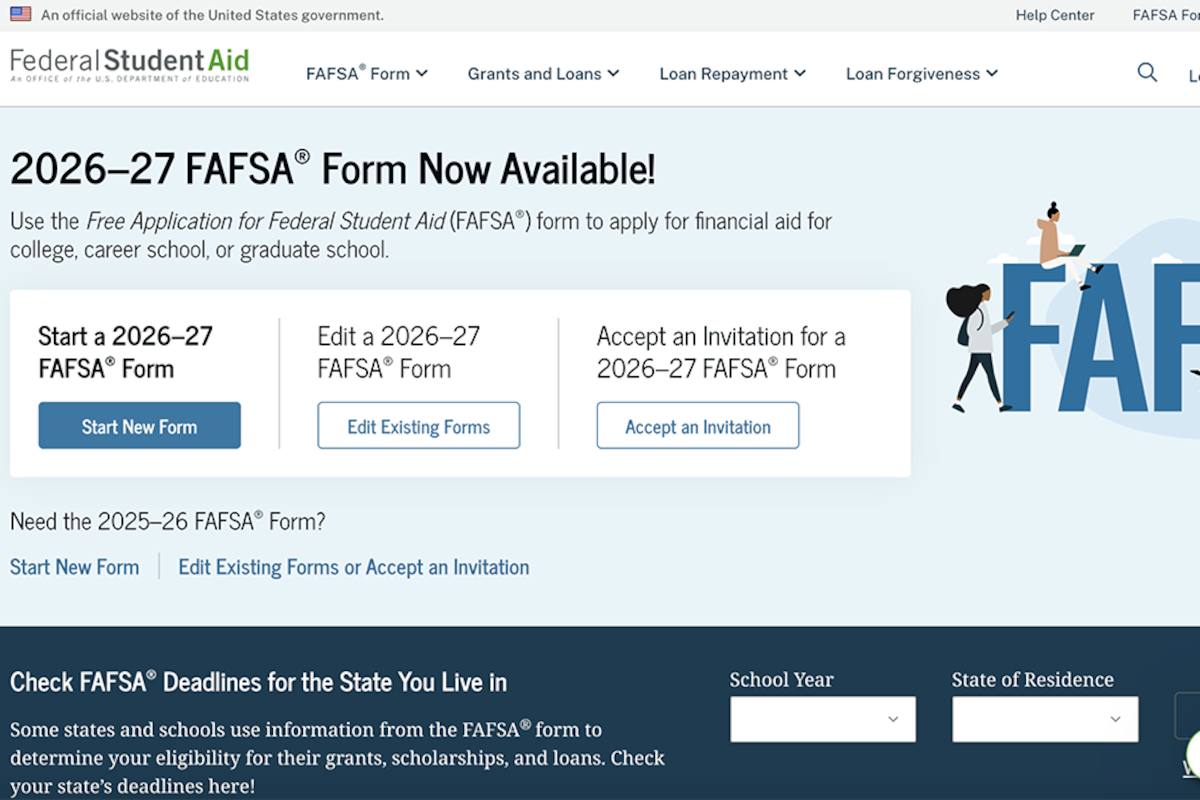
Repayment usually begins nine months after you graduate or drop below half-time enrollment. If your monthly payment feels too high, you can switch to an Income-Driven Repayment (IDR) plan. These plans cap your monthly payment at a percentage of your discretionary income. If your income remains low, the remaining balance may be forgiven after 20 to 25 years. You can review your options and estimate payments on the Federal Student Aid website.
Final checklist before submission
Before you click submit, run through this quick verification. A complete FAFSA Guide submission prevents delays in your financial aid package.
-
Review all personal and dependency information for accuracy.
-
Enter '0' or 'Not Applicable' in blank numeric fields; do not leave them empty.
-
Round all dollar amounts to the nearest whole number.
-
Confirm your FSA ID is active and valid for electronic signing.
-
Add every college you are considering to the school list.
Once verified, you are ready to send your application. The system will provide a confirmation page with your Student Aid Index (SAI). Keep this number for your records as you compare offers from different schools.
No comments yet. Be the first to share your thoughts!